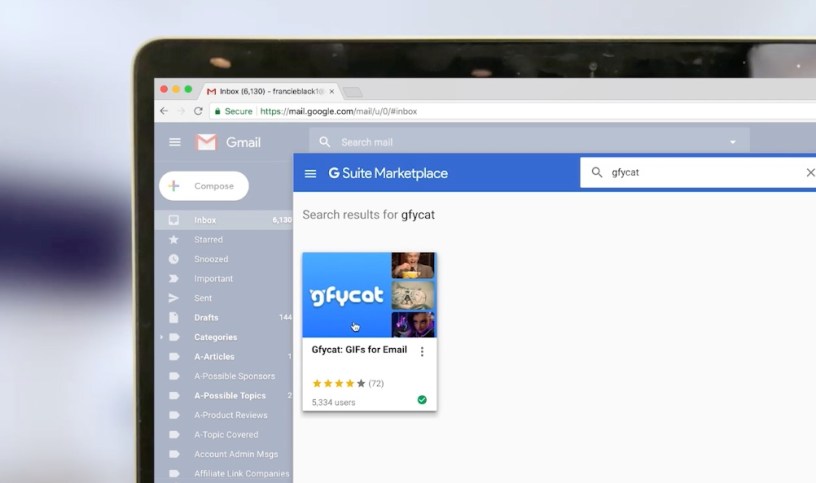
Add humor to your Gmail messages with this new Add-on.
If you want to lighten up the tone of your gmail messages use the new gifycat gmail add-on. You can now access gifycat’s huge library of animated gifs from directly within gmail, without leaving your mail account.
Install the gifycat ad-on from Google’s marketplace. When you create a new email message the ad-on option will show up in the right panel. Find the perfect message and drag the animated gif to your message and hit send. There is no switching back-and-forth switching between sites – it is now added on as a feature within gmail. It is easy and simple.
Animated GIFs inject humor and increases your readers’ attention. For businesses it is an excellent way to showcase product features.
Tip: The Add-on does not appear when you create a new message. It will appear when you open a message that someone has sent you, allowing you to add the animated gif to email replies (rather than new messages).
 Tech Tango Today